- Go to your bKash Mobile Menu by dialing *247#
- Choose “Payment”
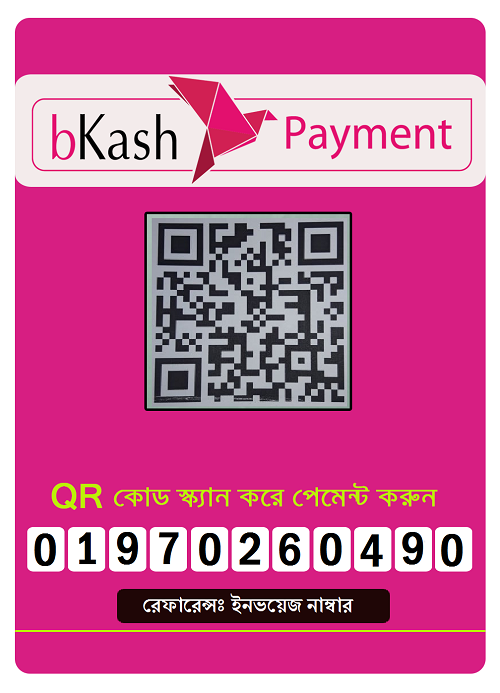
- Enter the Merchant bKash Account Number 01970260490
- Enter the bill amount
- Enter a reference Your Invoice ID (Example: IL1234)
- Enter the Counter Number 1
- Now enter your bKash Mobile Menu PIN to confirm
- Done! You will receive a confirmation message from bKash
- Send an email to support@bmitbd.com with your transaction id and Invoice Number. (***Required)
Please note, you can not send bKash to our Merchant account from agent number. You need a personal bkash number to do that.